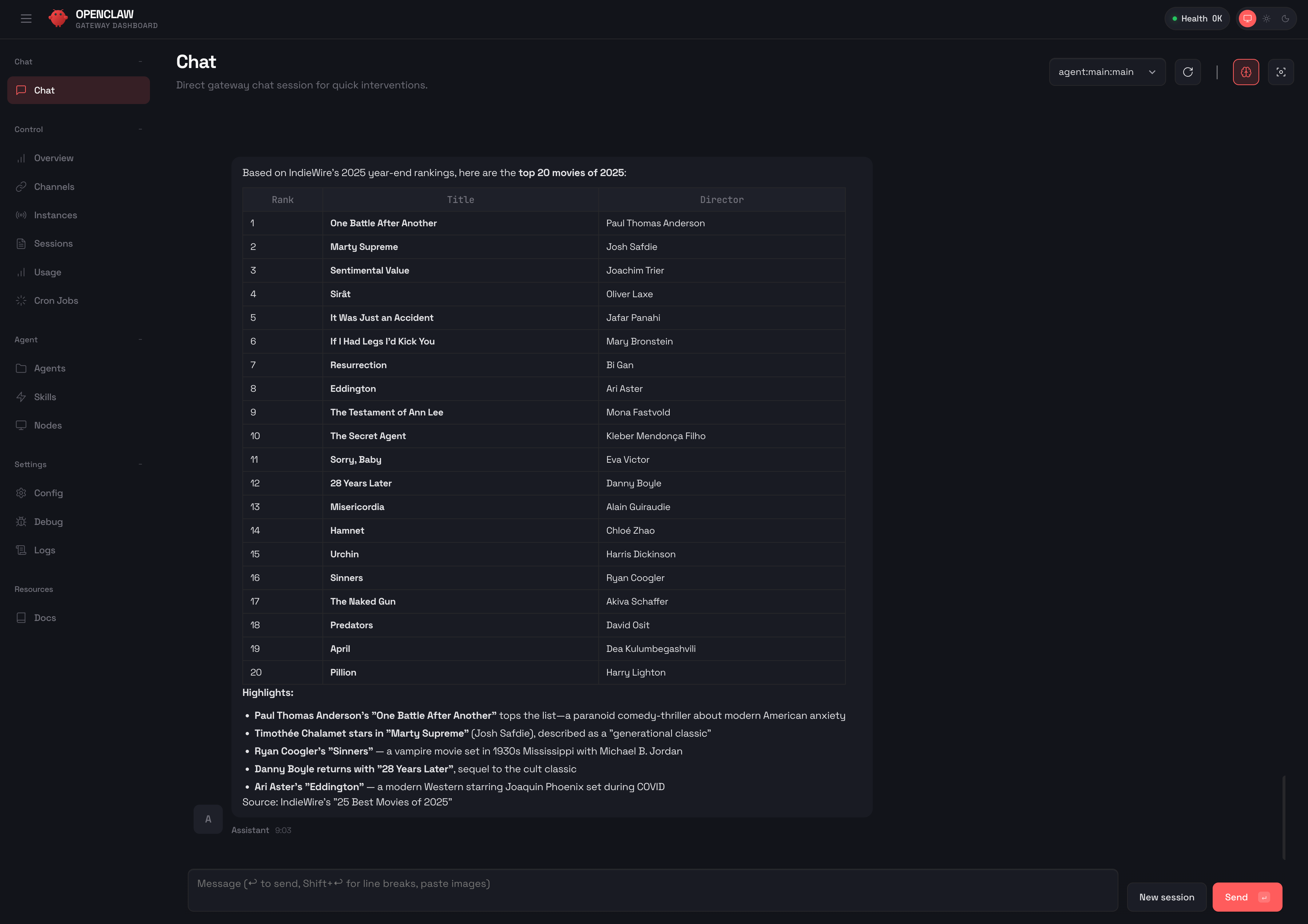
Local LLM access
Share local models through authenticated APIs and a browser Playground. Scope keys to models, set Token quotas, and revoke access.
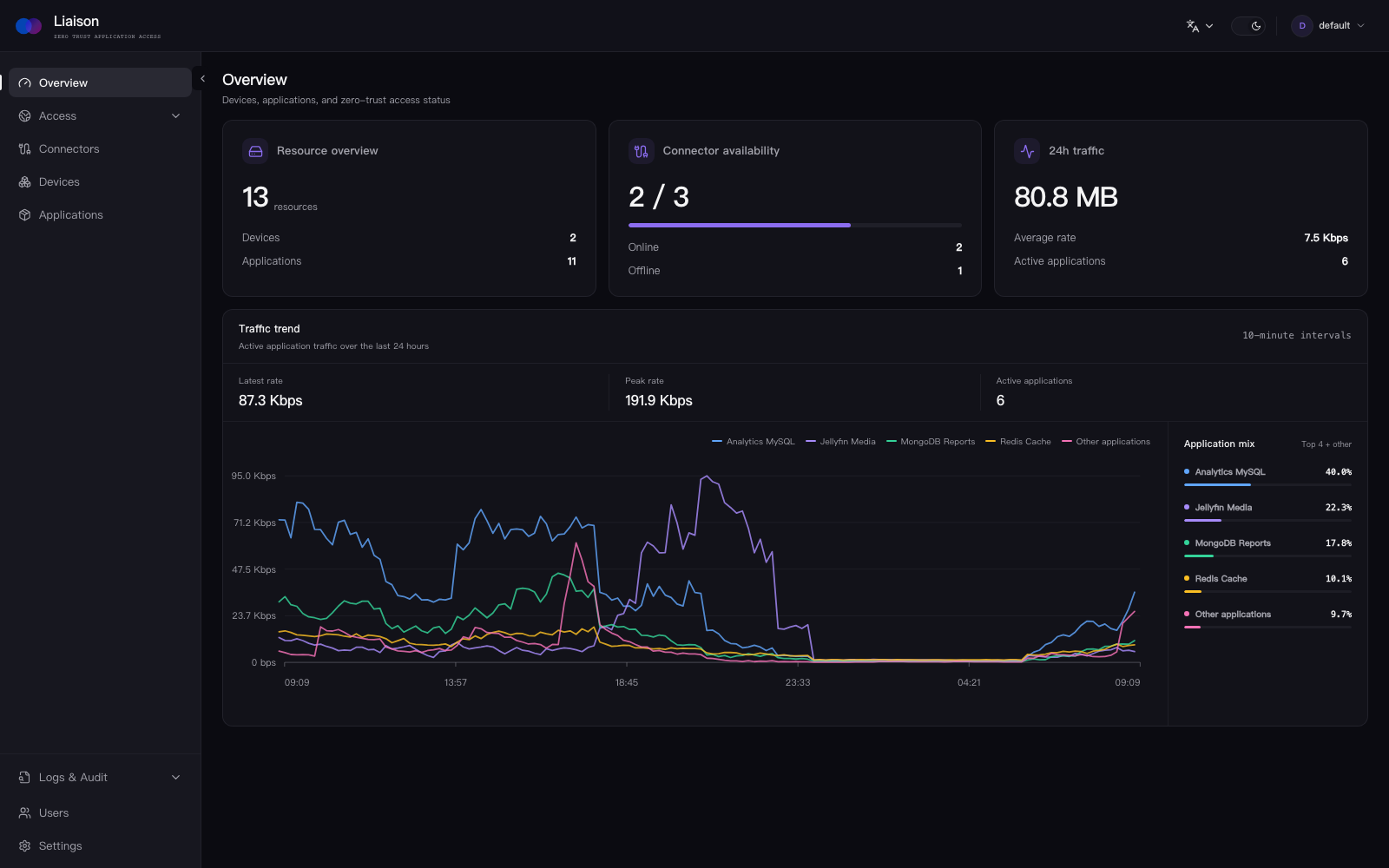
Browser workspaces, scoped API sharing, and context-aware AI assistance. Connect to your private services with outbound-only connectors.
$ wget https://liaison.cloud/dl/liaison-1.15.4-linux-amd64.tar.gz
$ tar -xzf liaison-1.15.4-linux-amd64.tar.gz && cd liaison-1.15.4-linux-amd64
$ ./install.sh
Work with models, coding agents, and private services in one browser. Keep access within user permissions, with confirmation where required.
Share local models through authenticated APIs and a browser Playground. Scope keys to models, set Token quotas, and revoke access.
Use Codex and Claude Code on your devices from the browser, with resumable sessions, execution progress, and permission prompts.
Edit projects and use terminals and extensions through code-server on your device.
Inspect terminal output, draft commands, and query databases within your permissions, with approval where required.
Access terminals, desktops, databases, and caches. Manage SFTP files and browse S3-compatible storage read-only.
Connect private devices without opening inbound ports on them. Manage access policies and review supported session audits.
Liaison sits in front of the services you already run. It does not ask you to replace them.







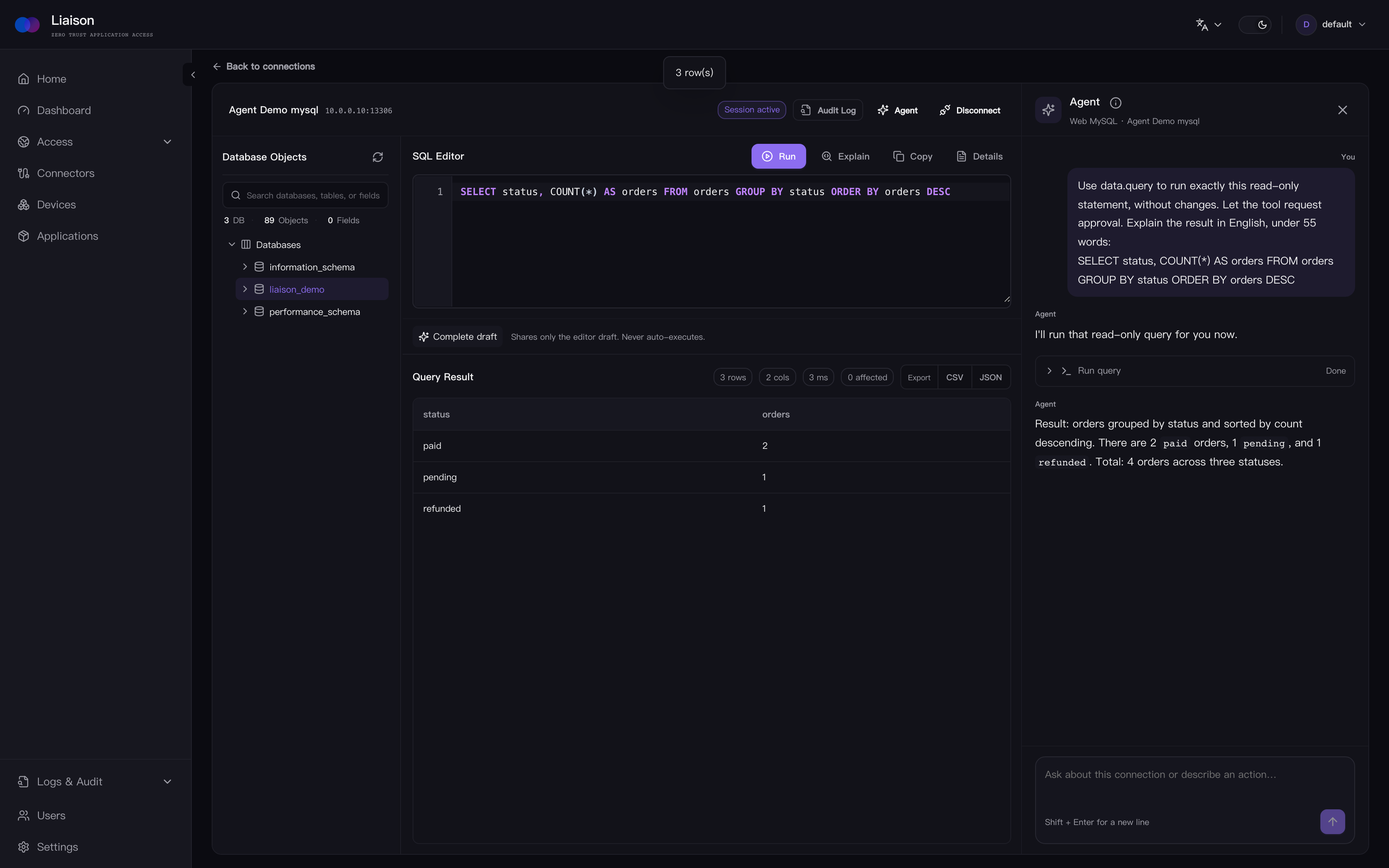
Browse schemas and collections, run queries, and ask the session Agent to explain results. Operations requiring approval wait for your confirmation.
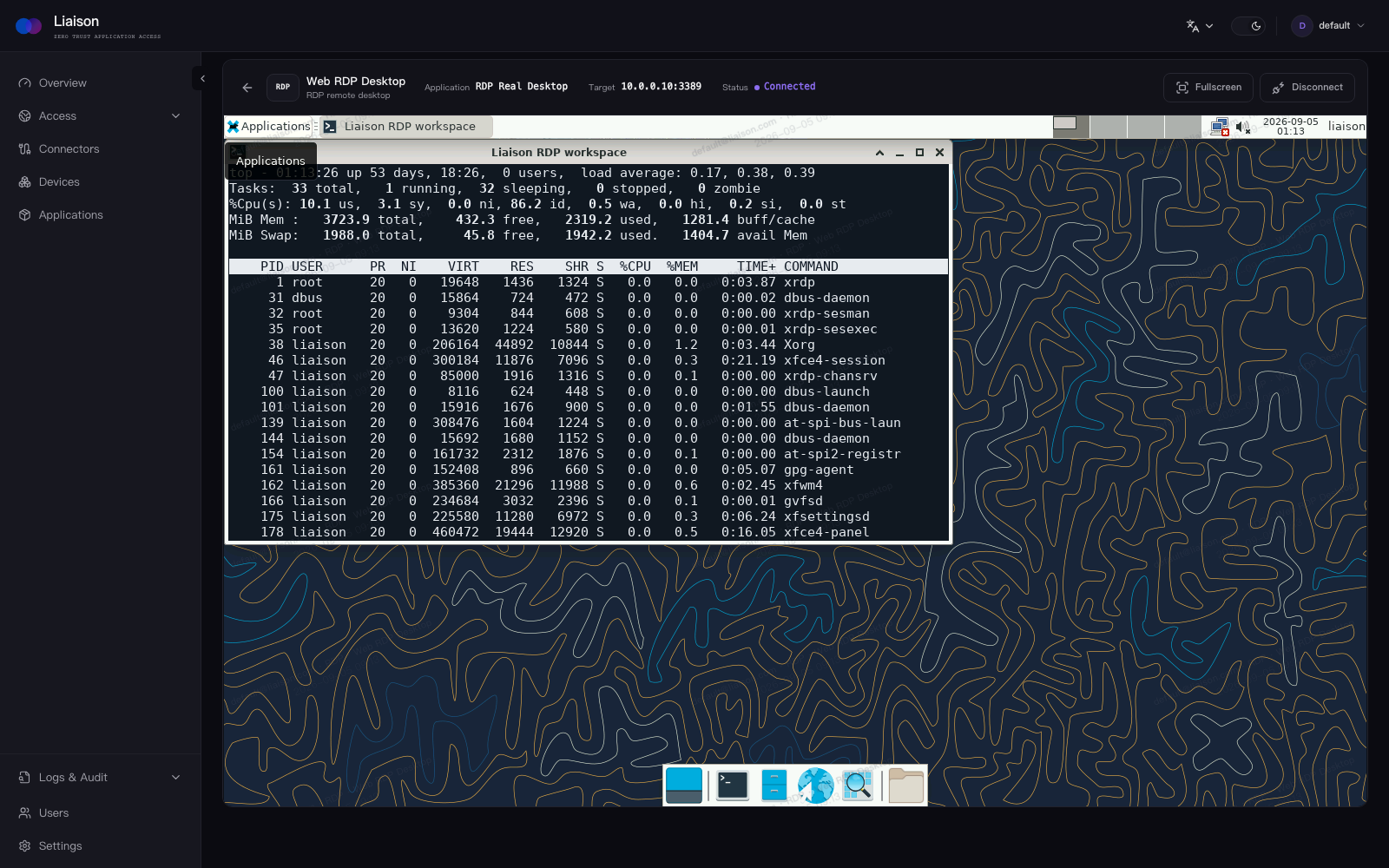
RDP and VNC run in the browser with access status and session controls kept out of the way.
Open media servers, dashboards, and AI assistants without publishing their original address.